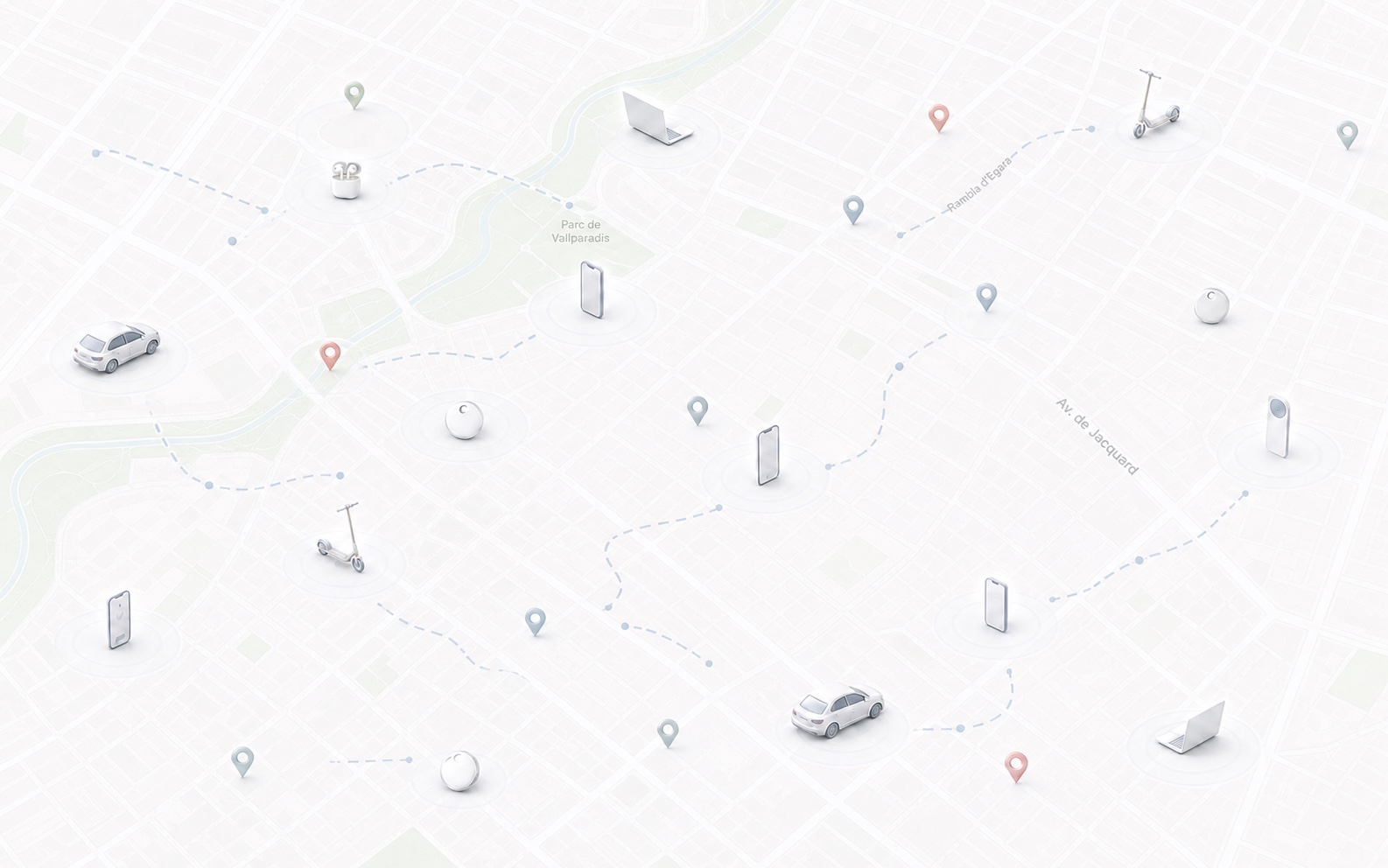
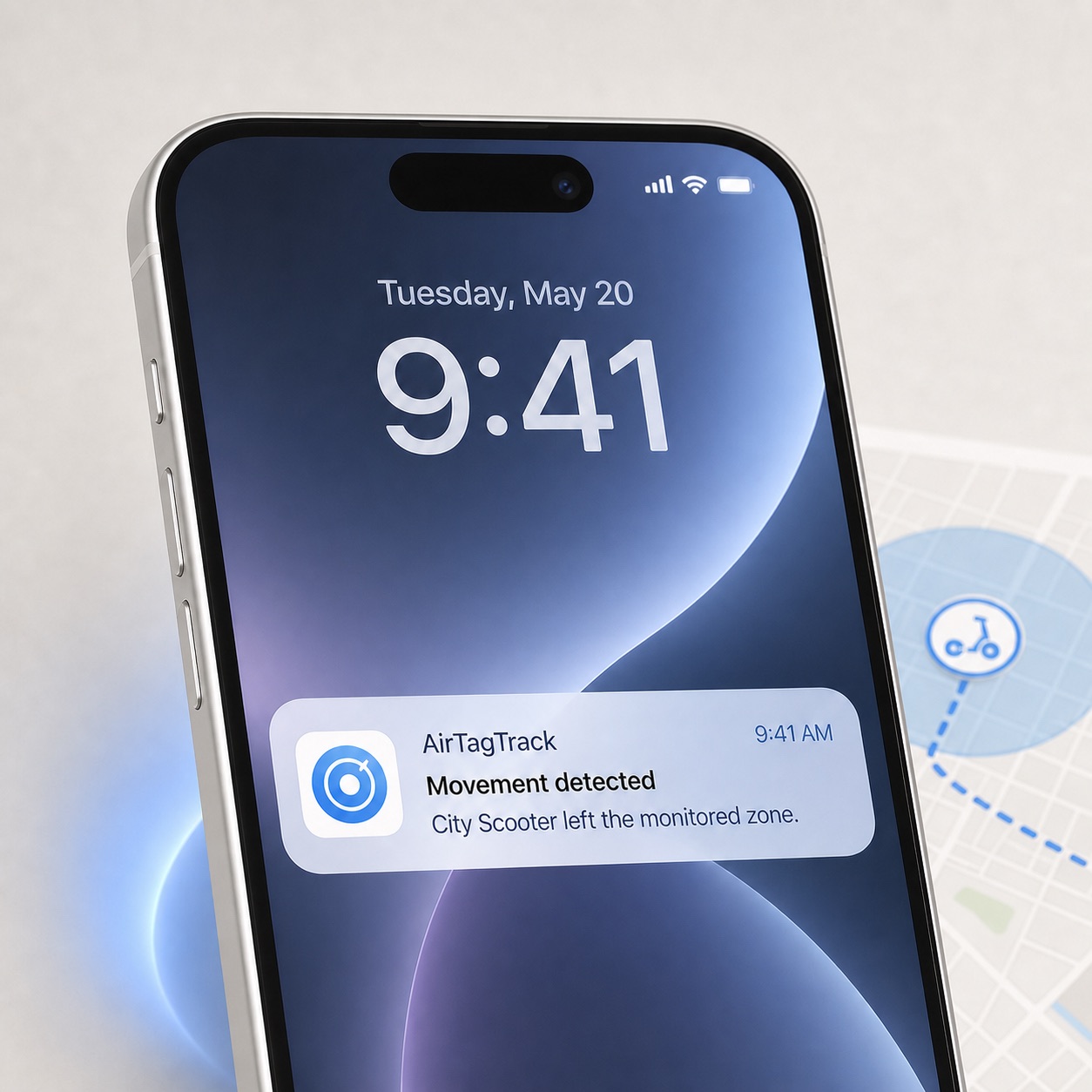
Movement alerts
Get a clear notification when a new supported Find My location indicates that your item or device has moved outside its safe zone.
AirTag movement alerts + location history
AirTagTrack watches the locations Find My reports, alerts you when your item moves and builds a timeline you can review or export. It also supports compatible AirPods, MacBook and Apple devices.
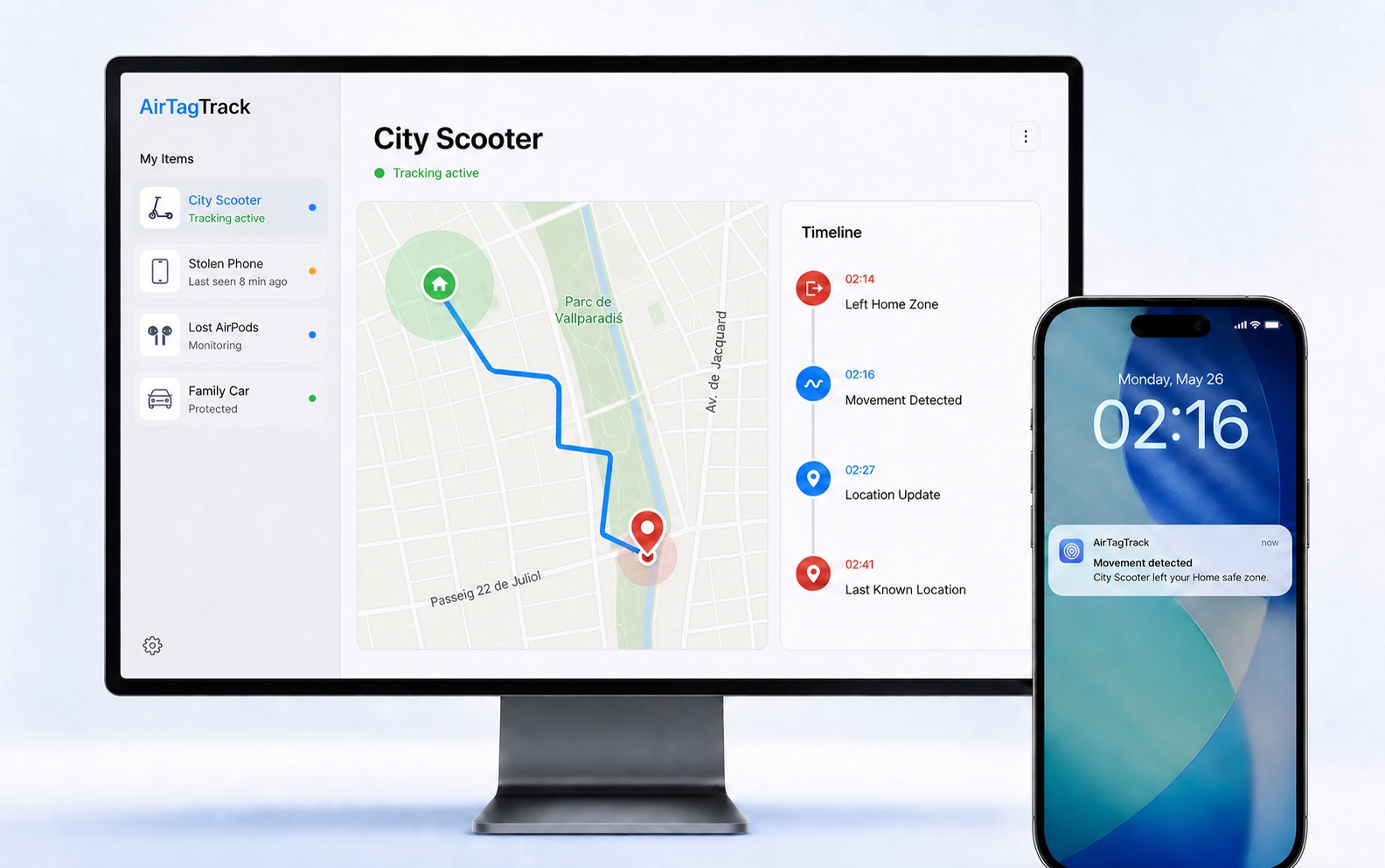
One pin is not the whole story.
Find My helps locate an AirTag, AirPods, MacBook and other Apple devices. AirTagTrack is designed for the stressful hours after something disappears: it watches compatible updates, organises them and lets you know when something important changes.
Get a clear notification when a new supported Find My location indicates that your item or device has moved outside its safe zone.
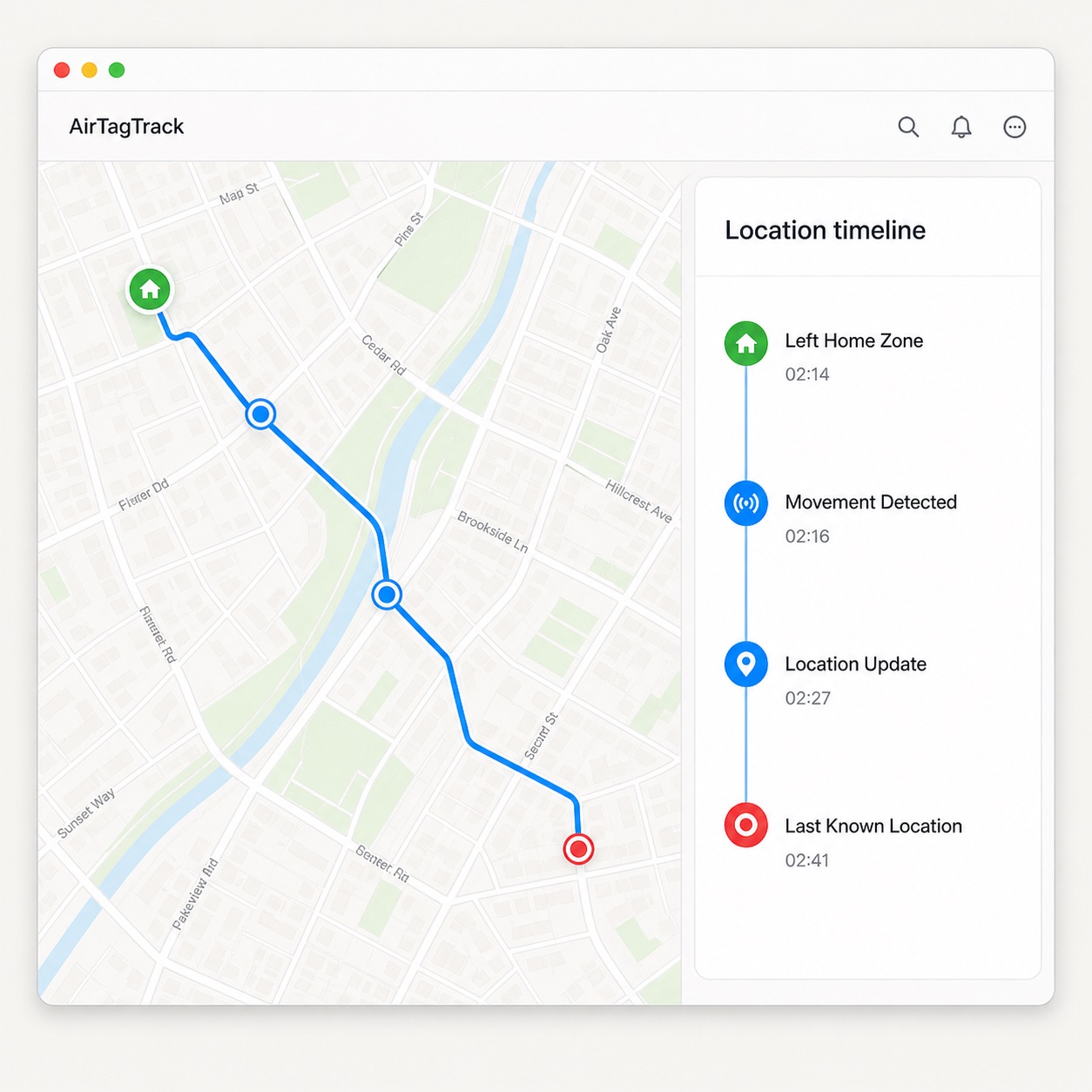
Turn compatible reported locations into an ordered history with times, stops and a route you can review or export.
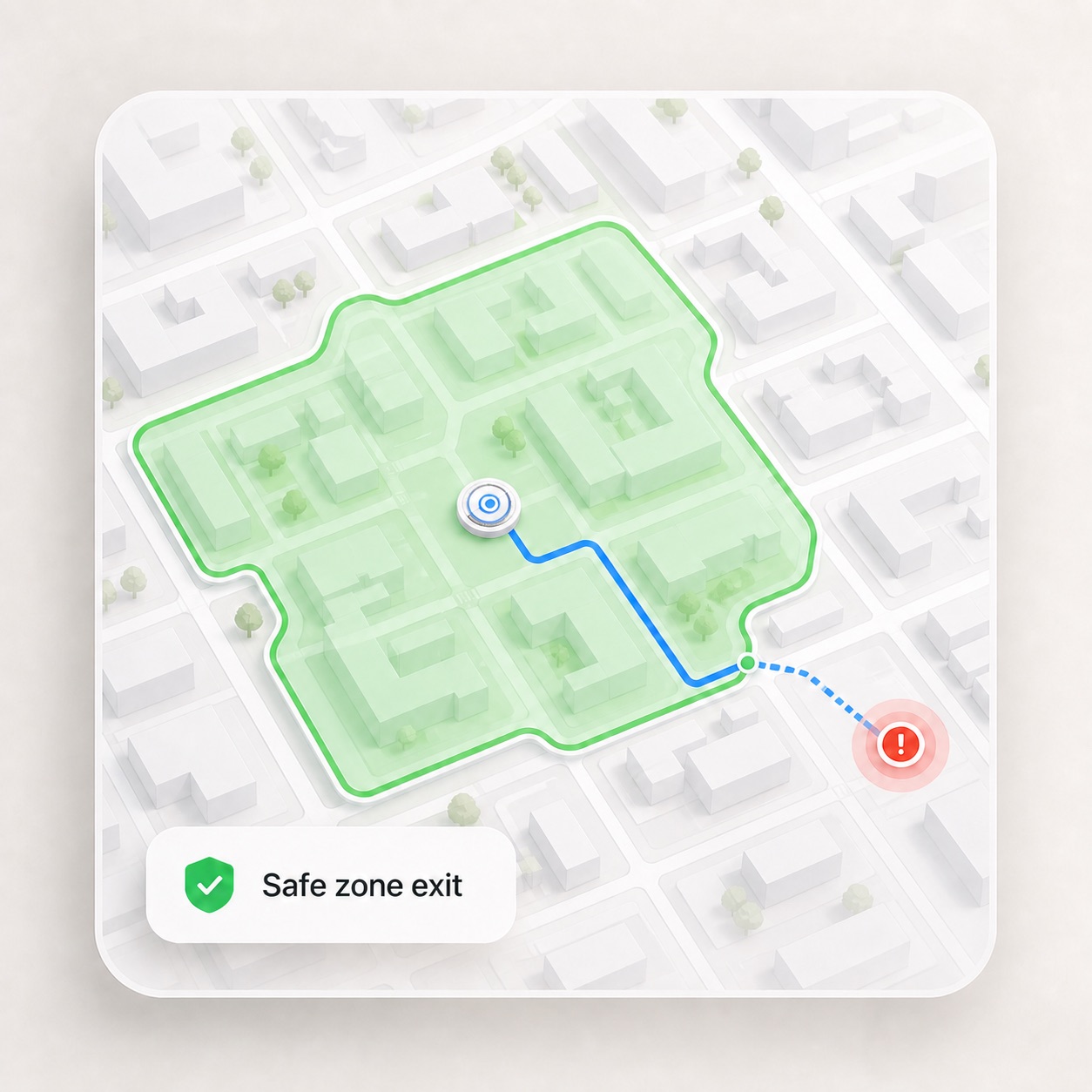
Define the streets or area that count as normal, so everyday movement creates less noise and real exits stand out.
Small, focused tools turn isolated Find My updates into a recovery trail you can actually use.
Define the streets or places that count as normal and get a clearer signal when the item enters or leaves a selected zone.
Follow every compatible location update Find My reports during your access period, wherever the network reaches your item.
See detected movement, zone changes and timestamps in one chronological feed instead of rebuilding the story from screenshots.
Give someone helping with recovery a read-only tracking view, then revoke access when the search is over.
Download a CSV with reported locations and timestamps for your own records or to share with the authorities handling the case.
Spot repeated stops and the places where your item spends the most time across the reported location history.
Simple by design.
AirTagTrack never asks for your Apple Account password. Connect a supported item, choose the alerts you want and start monitoring.
Open Find My, select your item and create the supported sharing invitation or link available for it. Send that during onboarding. Never send your password.
Name the item, define its safe area and choose where you want to receive movement and location alerts.
AirTagTrack watches compatible updates and builds your timeline without making you stare at Find My all night.
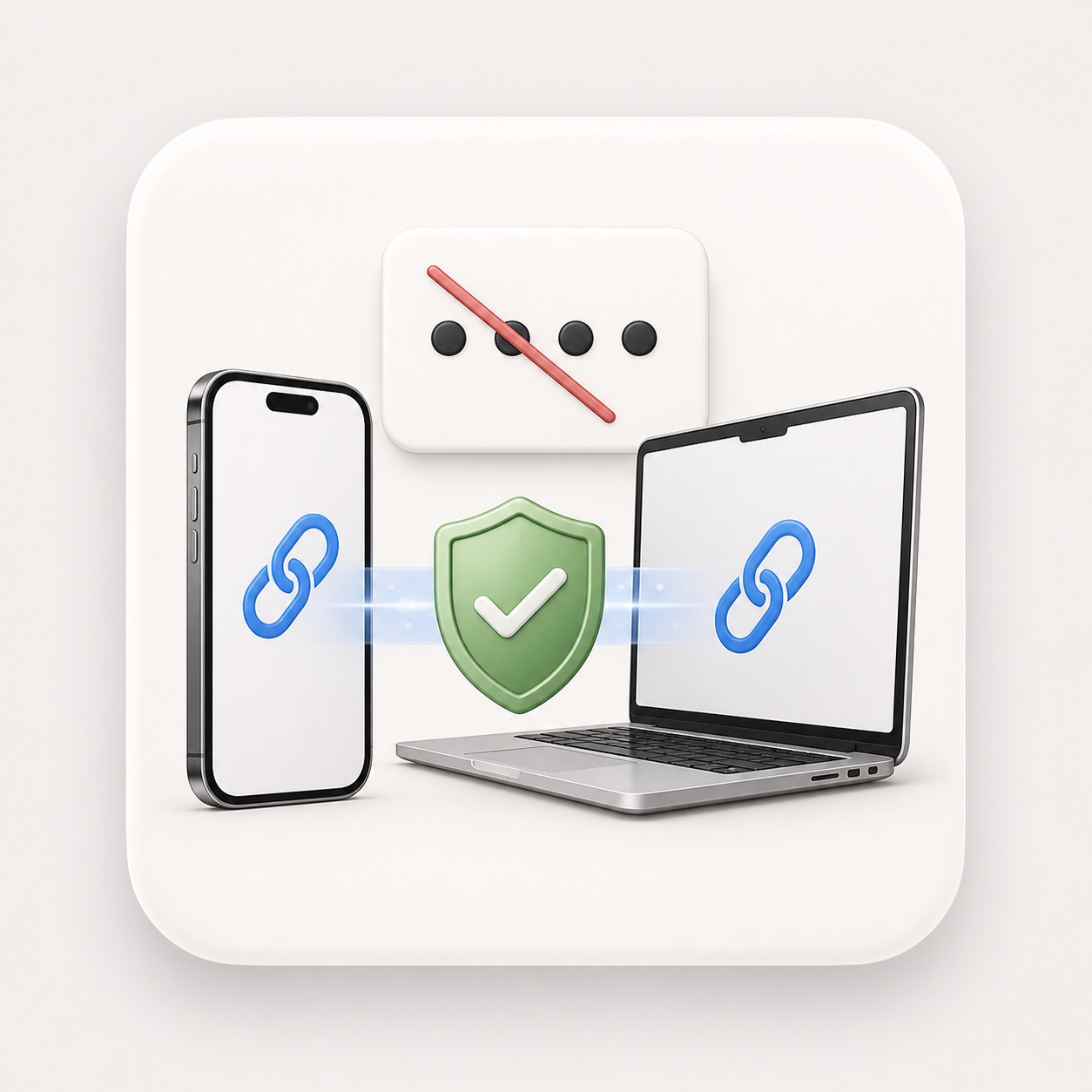
Revoke shared access or stop the local Mac monitor whenever you want. AirTagTrack is for monitoring items you own or are authorised to track.
When “where is it?” becomes urgent.
AirTag remains the core use case, with monitoring also available for compatible AirPods, MacBook and Find My devices.
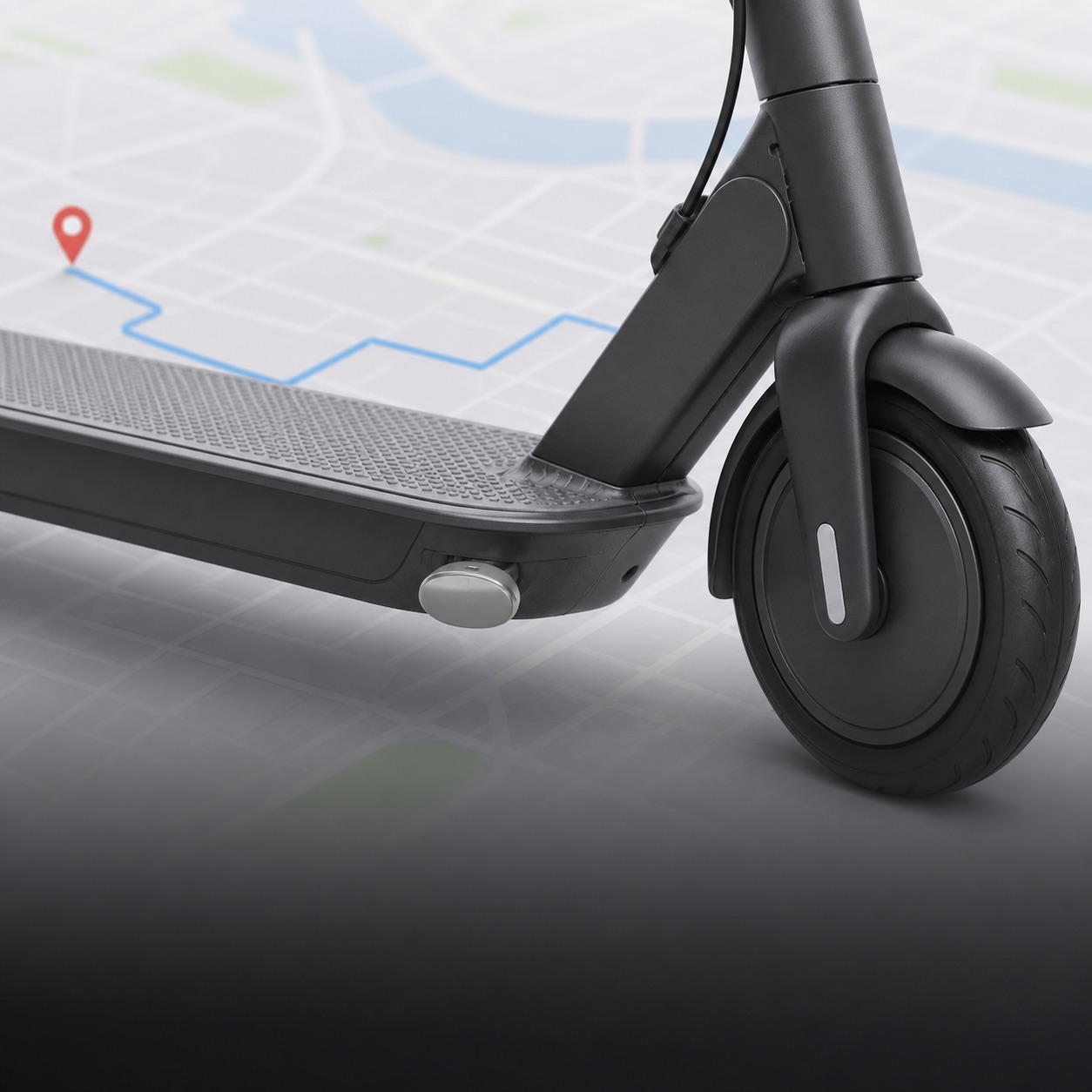
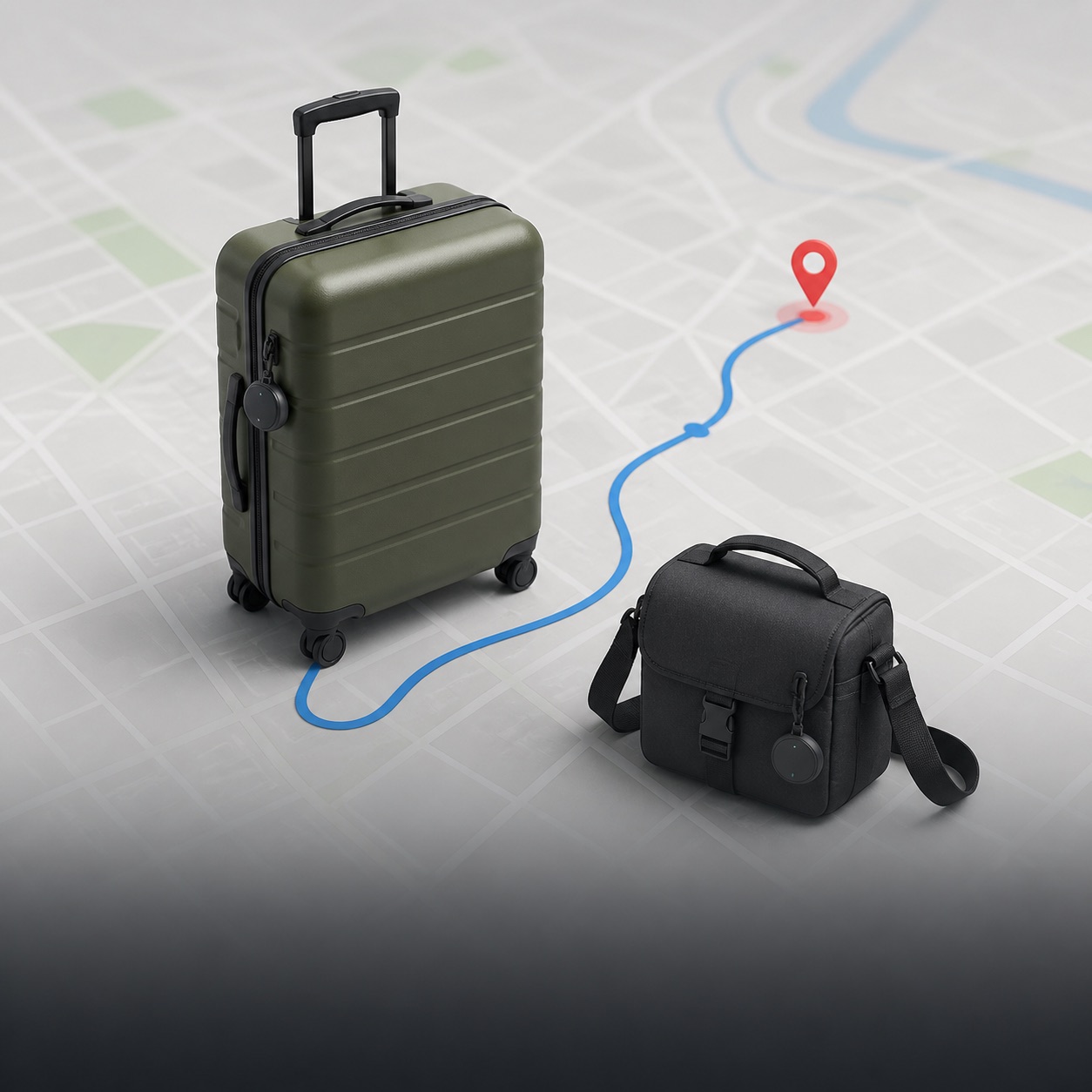
Track an AirTag-equipped scooter, bike, luggage, camera bag or laptop case.
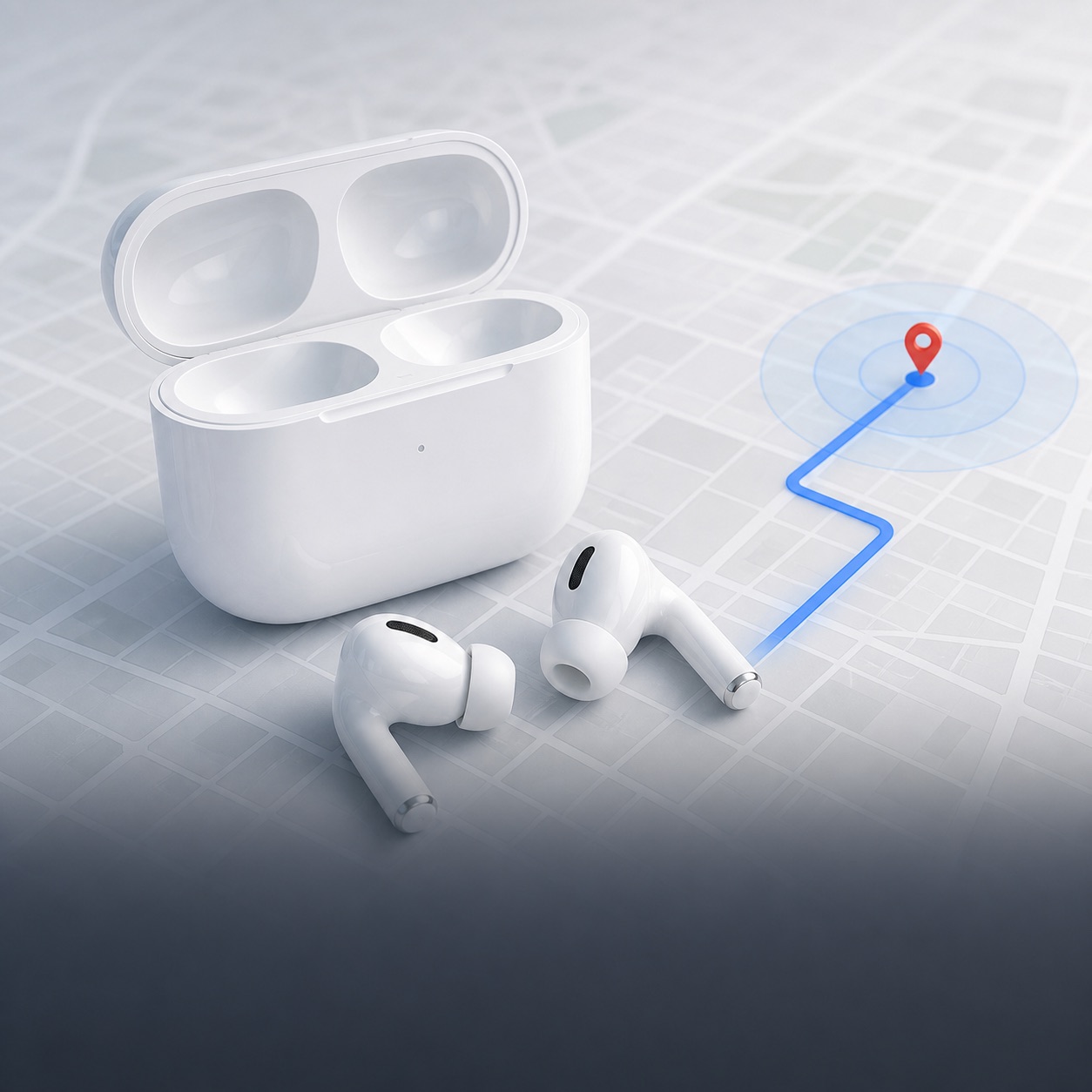
Monitor compatible AirPods updates and organise them into a clearer timeline.
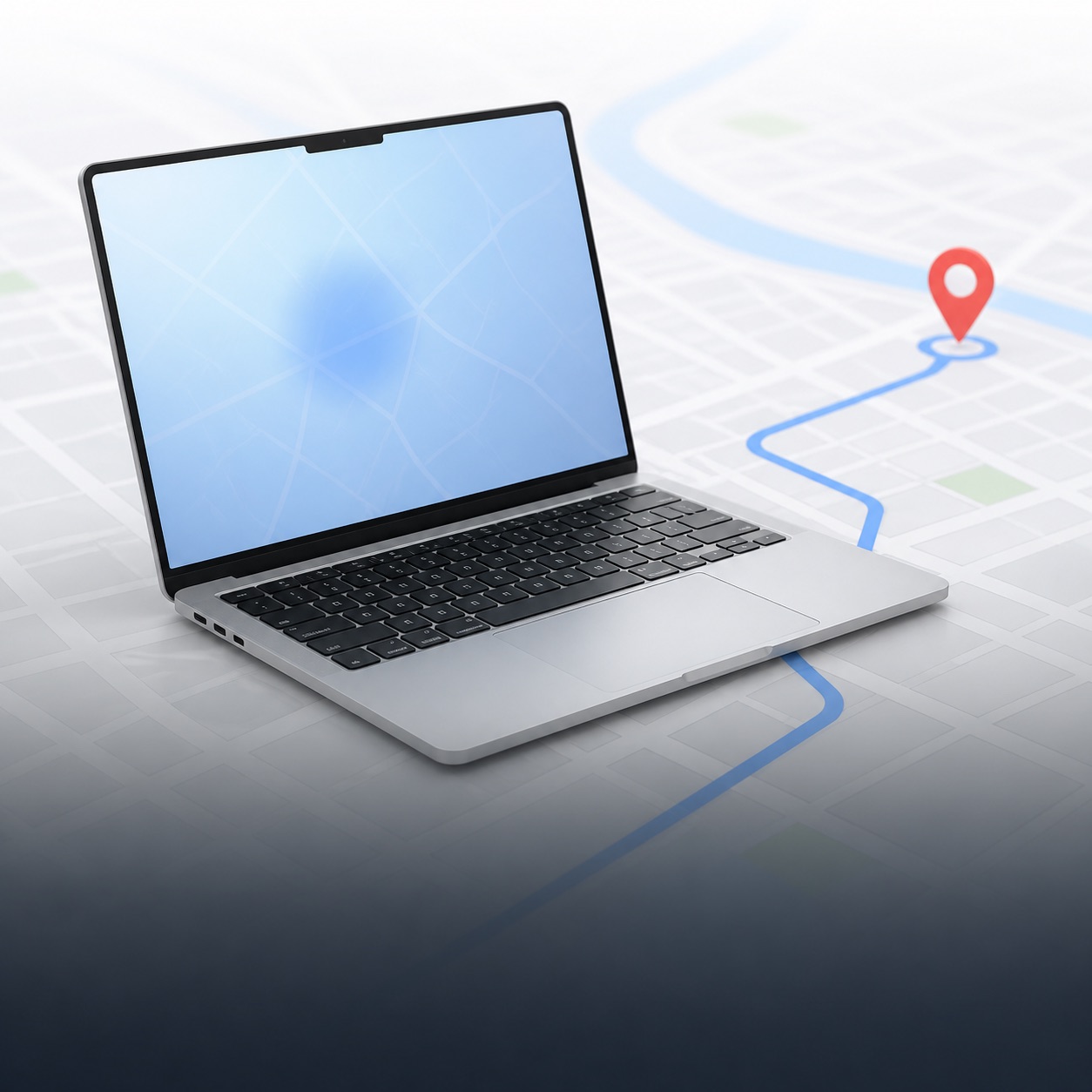
Follow supported location changes for your missing MacBook without constant manual checks.
Use the monitoring workflow available for other compatible devices you own.
One-time access. No subscription.
No recurring charges and no automatic renewal. Your access simply ends after the period you buy.
Pay once · No renewal
Pay once · No renewal
Pay once · No renewal
Not a subscription. Each purchase grants access only for the selected period. Nothing renews automatically. Availability and device compatibility are confirmed during onboarding.
AirTag and Find My tracking questions.
An AirTag does not store location history on the device. Find My focuses on the current or last reported location rather than an exportable journey timeline. AirTagTrack is designed to record available updates during an active monitoring period so you can review them in order.
AirTagTrack records compatible locations reported during your active monitoring period and organises them into a chronological route history. You can review movement and zone changes without rebuilding the journey from individual Find My screenshots. Updates depend on the Find My network and are not continuous GPS.
Yes. AirTagTrack is designed to export recorded compatible locations and timestamps as a CSV report. This gives you an organised record to keep or provide to the authorities handling the case; it does not guarantee recovery.
AirTagTrack is intended for AirTags attached to your own items, including a scooter, bike, camera bag, luggage or laptop case. AirTag is not continuous GPS: locations depend on nearby devices participating in Apple’s Find My network.
AirTagTrack is designed to monitor compatible AirPods location updates available through the selected Find My setup. Capabilities vary by AirPods model, Apple software version and permissions, so we confirm compatibility during onboarding.
A compatible MacBook can use the supported Find My or local Mac workflow available for that setup. AirTagTrack organises detected updates into alerts and a timeline; it is not continuous GPS and cannot guarantee recovery.
No. AirTagTrack will never ask for your Apple Account password. The service uses supported item-sharing access or a local Mac monitor, depending on your setup. You remain in control and can end monitoring.
An alert can only be created after a new location is reported and detected. Timing varies with Find My network coverage, connectivity and the selected setup, so AirTagTrack does not claim continuous or real-time GPS tracking.
No. Every plan is a one-time payment for a fixed access period: one month, three months or one year. There is no recurring billing and nothing renews automatically. When access ends, you decide whether to buy more time.
Contact local police and provide the information they request. Do not confront a suspected thief or enter private property. AirTagTrack organises available location information, but it cannot guarantee recovery.
No. AirTagTrack is an independent product and is not affiliated with, sponsored by or endorsed by Apple.
AirTagTrack is running now with limited onboarding spots. Tell us what you want to protect and we’ll send the next step.
Start tracking